Polling Endpoints
Polling Endpoints are a way to get a stream of events by polling, without having to set up a webhook endpoint.
Start by creating an endpoint and select Polling Endpoint as the type.
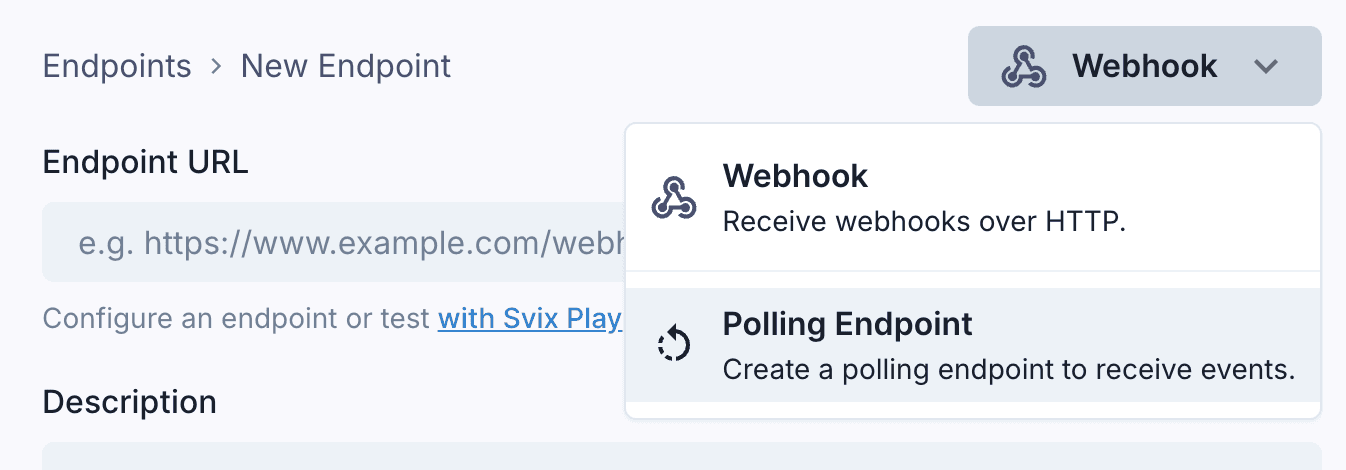
As with regular webhook endpoints, you can control which event types and channels you want to receive.
Usage
Once you’ve created a Polling Endpoint, you’ll get a unique URL like https://api.us.svix.com/api/v1/app/app_2mG6DgUaGlwCNdM5oRCUJec2kQC/polling-endpoint/poll_59q/consumer/{consumer_id}.
You can call this endpoint directly once you have an API key.
Poll this URL to receive messages for a given Consumer ID. Each consumer tracks its own progress independently.
curl \
  -X GET "https://api.us.svix.com/api/v1/app/app_2mG6DgUaGlwCNdM5oRCUJec2kQC/polling-endpoint/poll_59q/consumer/MY_CONSUMER_ID" \
  -H 'Accept: application/json' \
  -H 'Authorization: Bearer sk_poll_*****.eu'
Each message includes an offset. Messages are returned in the order they were received.
{
  "data": [{
    "id": "msg_2K2N9Qk...",
    "eventType": "invoice.created",
    "payload": { "hello": "world" },
    "timestamp": "2025-01-17T00:00:00.000Z",
    "offset": 0
  }],
  "done": true
}
After processing a batch, commit the last message’s offset so the next poll continues from there.
curl \
  -X POST "https://api.us.svix.com/api/v1/app/app_2mG6DgUaGlwCNdM5oRCUJec2kQC/polling-endpoint/poll_59q/consumer/MY_CONSUMER_ID/commit" \
  -H 'Accept: application/json' \
  -H 'Content-Type: application/json' \
  -H 'Authorization: Bearer sk_poll_*****.eu' \
  -d '{ "offset": 0 }'
Until you commit, the same messages may be returned again after the lease expires. Use a stable Consumer ID per worker so progress is preserved across restarts.
API Keys
To call the Polling Endpoint, you’ll need to create an endpoint-specific API key.
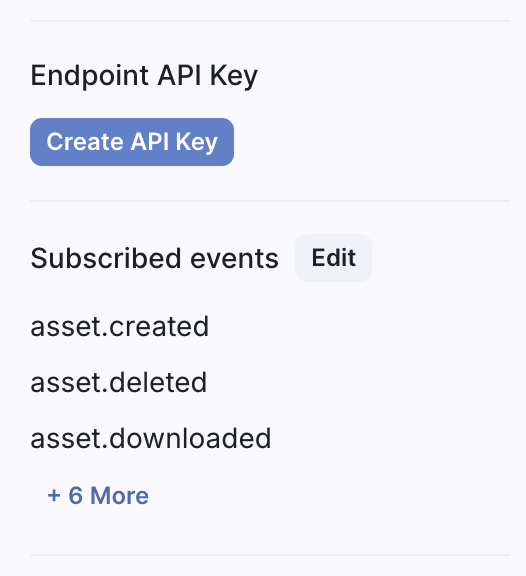
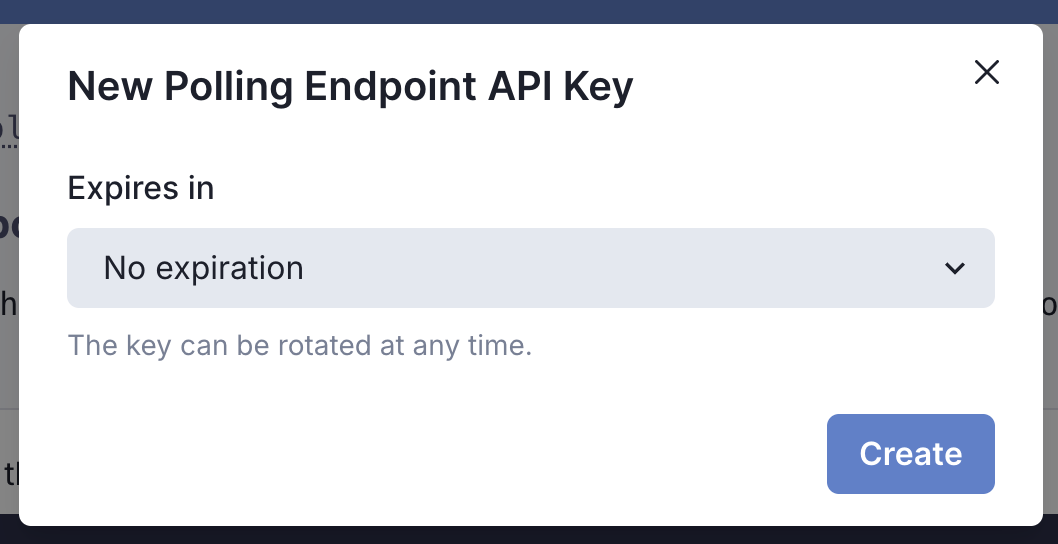
API keys are scoped exclusively to the endpoint they were created for, and they can be expired or rotated at any time.
Using AutoConfig
You can also create and manage Polling Endpoints with AutoConfig.
With AutoConfig, you can set event types and other configuration in code and AutoConfig will automatically ensure the settings are up to date. Configuration automatically changes when your code changes without needing to go to the UI and reconfigure the endpoint.
When creating a Polling Endpoint, select Use AutoConfig. You’ll get an AutoConfig token to use with the Svix SDK.
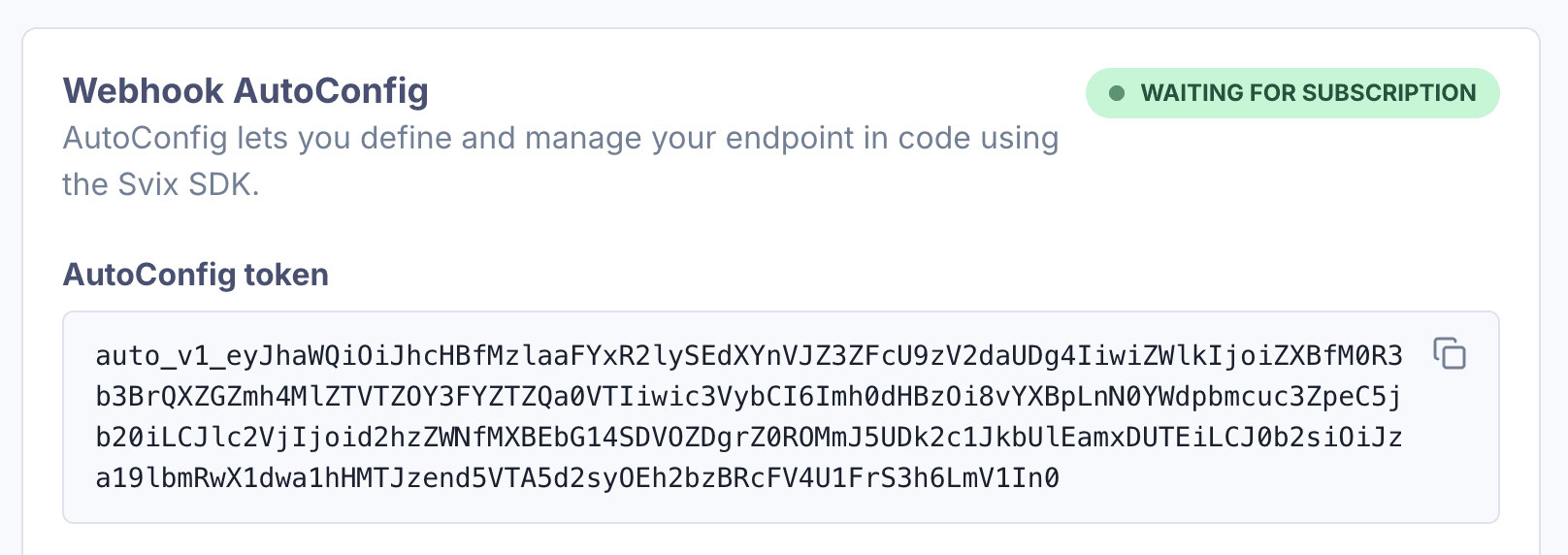
Use AutoConfigConsumer to configure the endpoint and poll for messages:
import { AutoConfigConsumer } from "svix";

const consumer = new AutoConfigConsumer(AUTO_CONFIG_TOKEN, {
  filterTypes: ["invoice.paid", "user.created"],
});

// Create or update the polling endpoint when your code changes
await consumer.subscribe();

// Inside a worker loop
const msgs = await consumer.receive("my-consumer");
// ... process msgs.data
await consumer.commit("my-consumer", msgs.data.at(-1).offset);Calling subscribe() creates or updates the polling endpoint. In your worker, call receive() to fetch messages for a consumer, then commit() the last message’s offset so the next poll continues from there.
The AutoConfig token is scoped to the endpoint it was created for, and can also be rotated at any time.