Custom Connector
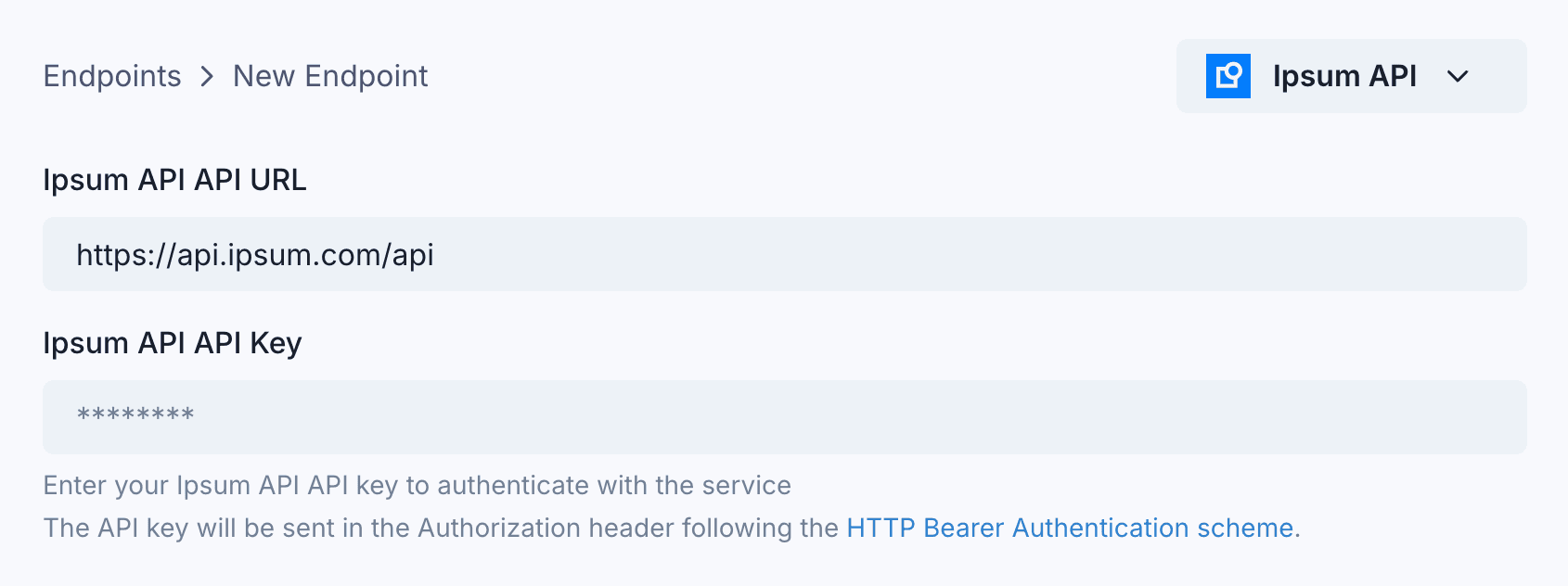
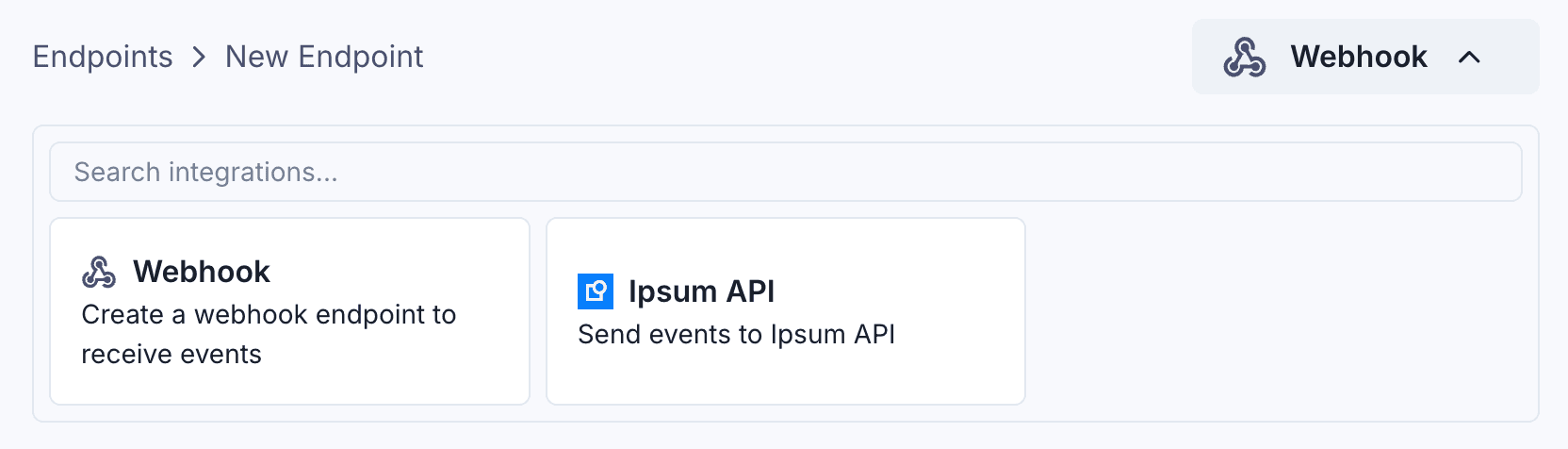
If you don’t find a built-in integration for the service you want to connect to, you can create a Custom Connector.
Configuration
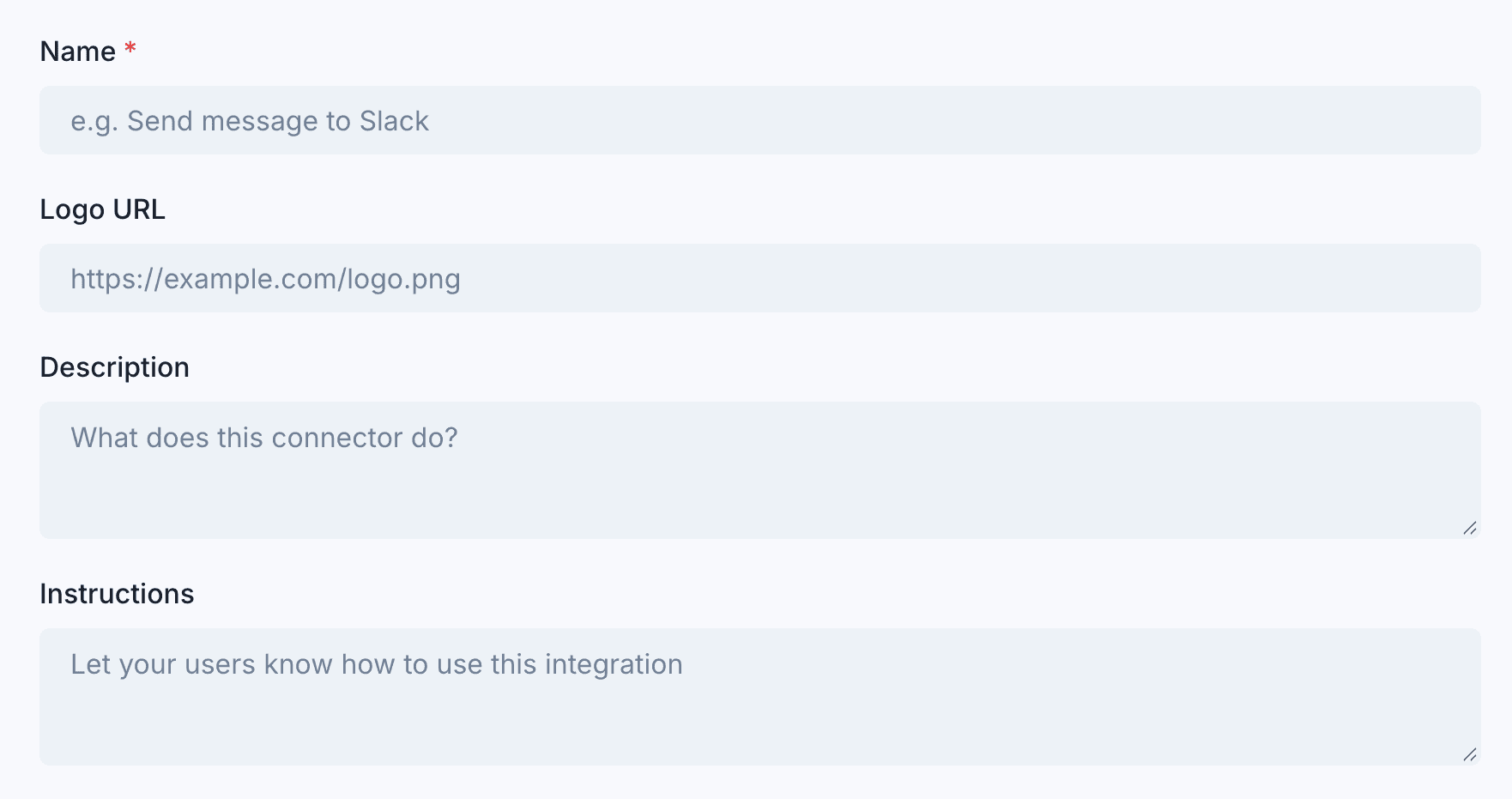
You can provide your own integration name and icon, and write instructions for your users on how to use it (in addition to the default transformation code like in any other connector).
You can also (optionally) configure a default endpoint URL and a default authentication method for custom connectors. This will prefill certain fields in the app portal for your customers, to make it easier for them to use the connector.
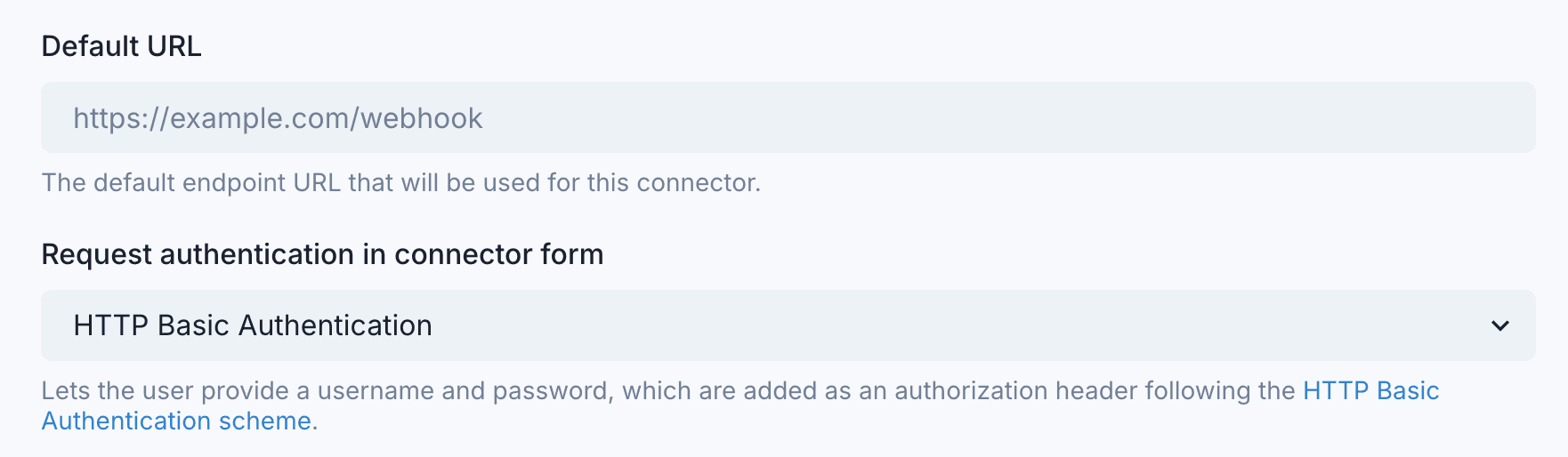
The supported authentication methods are HttpBasic and HttpBearer.
When using HttpBasic, the App Portal will display a username and password input field, and add the Authorization: Basic base64(<username>:<password>) header to the endpoint (see RFC 7617 ) .
When using HttpBearer, the App Portal will display a token input field, and add the Authorization: Bearer <token> header to the endpoint (see RFC 6750 ).