RabbitMQ
Events can be sent to RabbitMQ using the rabbitMq sink type.
Like all Sinks, RabbitMQ sinks can be created in the Stream Portal…
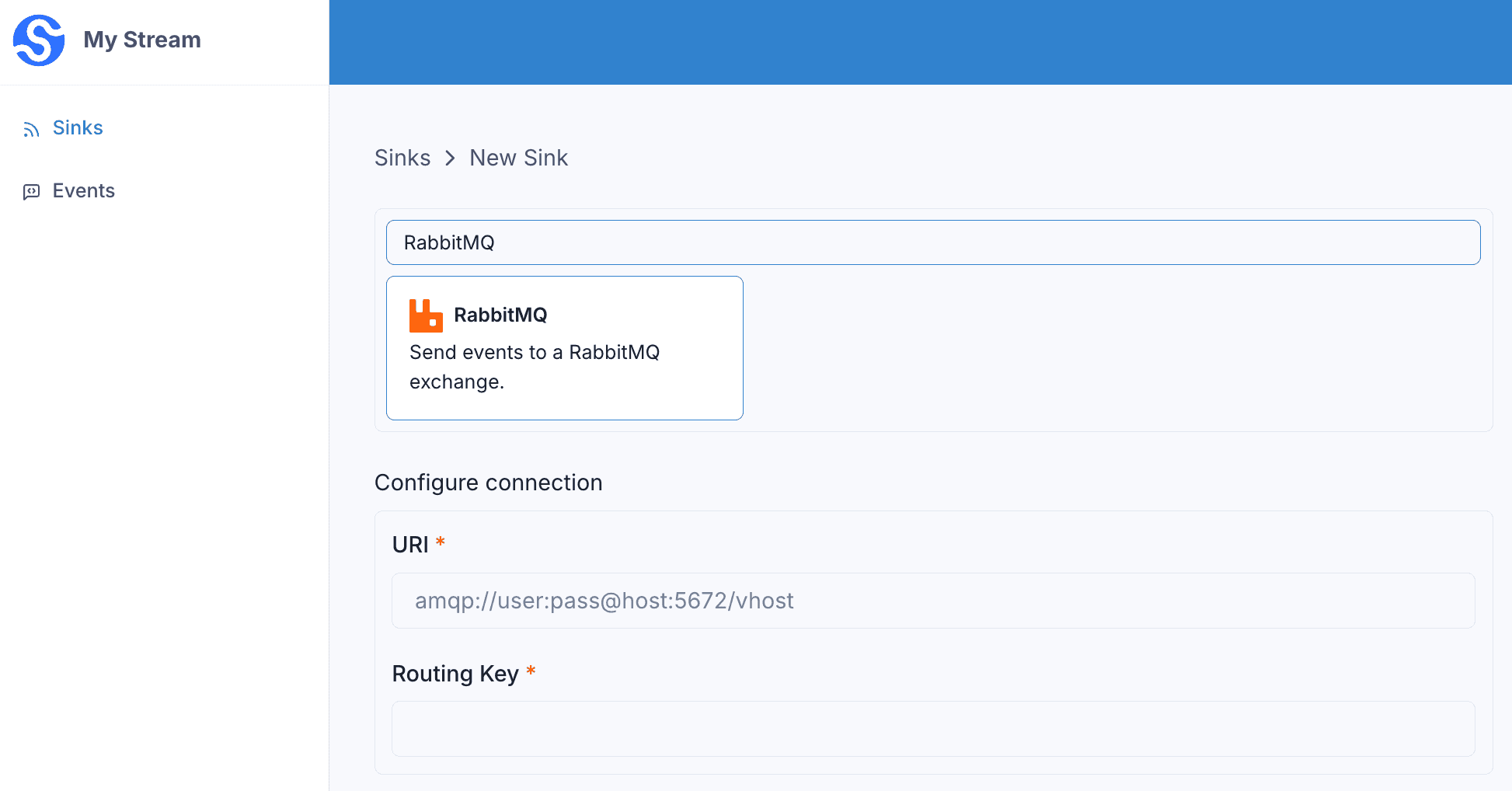
… or in the API .
curl -X 'POST' 'https://api.svix.com/api/v1/stream/strm_30XKA2tCdjHue2qLkTgc0/sink' \
  -H 'Authorization: Bearer AUTH_TOKEN' \
  -H 'Content-Type: application/json' \
  -d '{
  "type": "rabbitMq",
  "config": {
    "uri": "amqp://user:password@rabbitmq.example.com:5672/my-vhost",
    "routingKey": "svix-events"
  },
  "uid": "unique-identifier",
  "status": "enabled",
  "batchSize": 1000,
  "maxWaitSecs": 300,
  "eventTypes": [],
  "metadata": {}
}'
Every event in the batch is published to RabbitMQ as a separate message, using the routingKey from the config.
uri— the AMQP connection URI for your RabbitMQ instance.routingKey— the routing key each message is published with.
Virtual Host
You can specify a virtual host when connecting to your RabbitMQ broker.
The path after the host is the vhost . Omit the path (no trailing slash) to use the default vhost (/). A trailing slash is an empty vhost, not /.
amqp://user:pass@host:5672          → vhost / (default)
amqp://user:pass@host:5672/         → vhost "" (empty, usually rejected)
amqp://user:pass@host:5672/my-vhost → vhost my-vhost
Transformations
By default, all rabbitMq Sinks come bundled with the following transformation code.
/**
 * @param input - The input object
 * @param input.events - The array of events in the batch. The number of events in the batch is capped by the Sink's batch size.
 * @param input.events[].payload - The message payload (string or JSON)
 * @param input.events[].eventType - The message event type (string)
 *
 * @returns Object containing the request body
 * @returns returns.payloads - The array of messages (strings) to send to the Sink. Each payload is a distinct message sent to the Sink.
 */
function handler(input) {

  const payloads = input.events.map((event) => JSON.stringify(event))

  return {
    payloads
  }
}
input.events matches the events sent in create_events.
Each entry in the returned payloads array is published to RabbitMQ as a separate message. By default, each event is serialized to a JSON string containing its payload and eventType.
For example, if the following events are written to the stream:
curl -X 'POST' \
  'https://api.svix.com/api/v1/stream/{stream_id}/events' \
  -H 'Authorization: Bearer AUTH_TOKEN' \
  -H 'Accept: application/json' \
  -H 'Content-Type: application/json' \
  -d '{
        "events": [
            {
                "eventType": "user.created",
                "payload": "{\"email\": \"joe@enterprise.io\"}"
            },
            {
                "eventType": "user.login",
                "payload": "{\"id\": 12, \"timestamp\": \"2025-07-21T14:23:17.861Z\"}"
            }
        ]
    }'
The default transformation code would publish two messages to your routingKey, with the following bodies.
{"payload":{"email":"joe@enterprise.io"},"eventType":"user.created"}{"payload":{"id":12,"timestamp":"2025-07-21T14:23:17.861Z"},"eventType":"user.login"}To control the message bodies, return your own array of strings in payloads. Each string becomes one message.